

The Intranet built for Google Workspace

Moving from Microsoft 365 to Google Workspace?
Yes. Steegle migrates your email, calendars, contacts, OneDrive and SharePoint data, securely and with minimal disruption.
MICROSOFT 365 MIGRATION
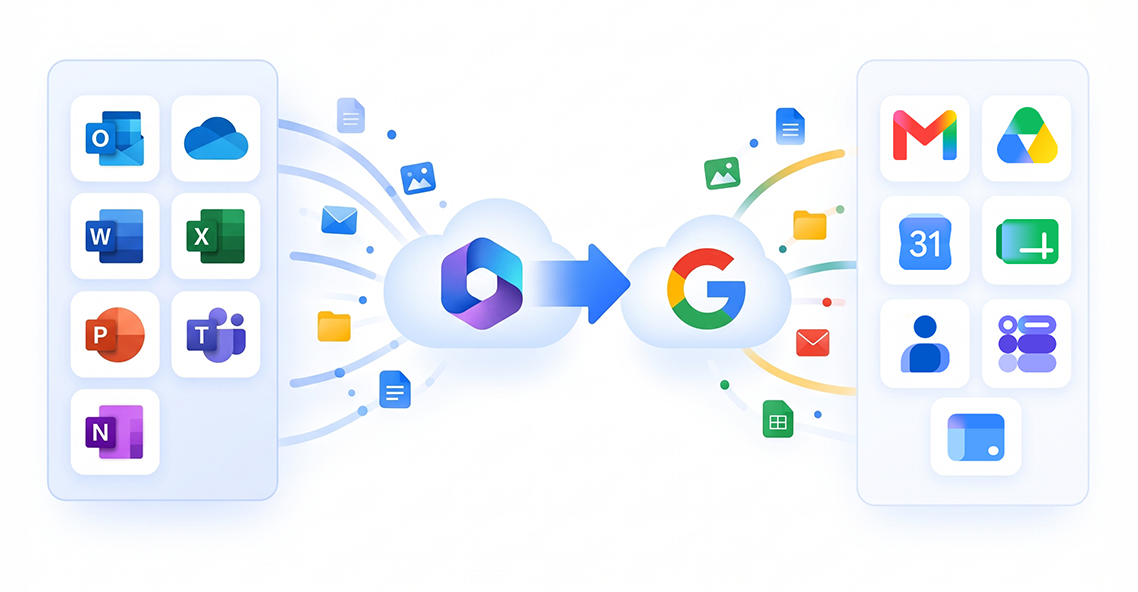
Moving Your Business to Google Workspace

What are You Moving?
Accounts and Data
Email, calendars, contacts, OneDrive files and permissions.

Your SharePoint Intranet
Pages, news, navigation, employee, directories and business resources.

One Steegle Team. Two Areas of Expertise.

Steegle.com
Google Workspace accounts and data migration.

Steegle.One
Your new Google-native intranet experience.

A Clear, Controlled Migration

Discovery
We assess your Microsoft 365 environment and goals.

Planning
We design a secure migration plan tailored to your needs.

Secure Migration
We migrate your data with precision and security.

Validation & Support
We validate results and provide ongoing support.

Frequently Asked Questions
-
Yes. Steegle specializes in migrating organizations from Microsoft 365 to Google Workspace. This scope encompasses:
Mailboxes & User Data: Core user accounts, emails, and calendar data are transitioned to Google Workspace.
Files & Cloud Storage: Document libraries and personal drives (OneDrive and SharePoint) are migrated into Google Drive.
Custom Workflows & Forms: Legacy automations, forms, and applications (such as Microsoft Power Apps or Monday.com boards) are rebuilt using Google AppSheet or Google Apps Script so your business processes continue seamlessly in a Google-native environment.
-
Yes. The migration and deployment methodology is designed to ensure operational continuity with minimal disruption:
Parallel Staging & Verification: Your existing Microsoft 365 environment remains live while content structure, permissions, and Google Sites intranet pages are configured, mapped, and verified in parallel.
Zero Infrastructure Downtime: Because Steegle.One is a 100% cloud-native solution deployed directly inside your Google Workspace domain, there is no server hardware to install or maintenance downtime required.
Familiar Navigation: Intranet structures and document repositories are mapped to preserve institutional knowledge, ensuring staff find a familiar layout once they switch.
-
Yes, absolutely. Steegle specializes in migrating both file repositories and the entire intranet platform:
File Migration: Policies, SOPs, handbooks, and documents stored in SharePoint or OneDrive are transferred into Google Drive and made instantly searchable using Steegle Share.
Intranet Rebuild: Legacy SharePoint intranet pages, news portals, and department hubs are rebuilt on Google Sites using the Steegle.One product suite.
(For example, during GFL Environmental’s migration of 15,000+ users from Microsoft 365 to Google Workspace, Steegle managed the full intranet programme, rebuilding a 2,500-page SharePoint intranet onto Google Sites alongside custom AppSheet solutions).
What our Customers say
-
![Adam Lee HRIP, Director, People Operations, Beyond Meat]()
“Today our new intranet is successfully developed with Steegle Tools in place and is available to all our staff around the globe. The feedback has been excellent.”
Adam Lee HRIP
Director, People Operations, Beyond Meat -
![Alexis Kropp, Senior Marketing Manager, Metz Culinary Management and Environmental Services]()
“Working with the Steegle team has been an enjoyable and seamless process. They have been a pleasure to work with, consistently responding to our questions and needs.”
Alexis Kropp
Senior Marketing Manager, Metz Culinary Management and Environmental Services -
![Dr Ian Goldstein, Co-Founder and CEO, Soar Autism Center]()
“I would highly recommend Steegle to anyone looking to create an intranet for their organization. Their team made the process easy for us”
Dr Ian Goldstein
Co-Founder and CEO, Soar Autism Center -
![Sierra Bamsey Director of Marketing and Communications, YMCA of Superior California]()
“The ease of the platform’s implementation quickly aligned with our mission to strengthen community bonds. Steegle’s support was crucial in reaching our objectives.”
Sierra Bamsey
Director of Marketing and Communications, YMCA of Superior California -
![Alex Rapoport, IT Director, apree health]()
“Steegle’s professionalism, adaptability, expertise, commitment to understanding, and addressing our unique needs, were instrumental in our successful transition to Google Sites intranet. “
Alex Rapoport
IT Director, apree health -
![Josh Wilson Project Manager, Summit Ministries]()
“The Steegle team demonstrated genuine engagement with our mission, aiding us in building an immersive, resourceful, and secure site that has become an essential tool in our daily communications.”
Josh Wilson
Project Manager, Summit Ministries






Migrate from SharePoint to Google
Discover how to transition from legacy SharePoint systems to a modern digital workplace. Explore our clear migration process, real-world customer case studies, key reasons to switch, and a dedicated hub to guide your journey.
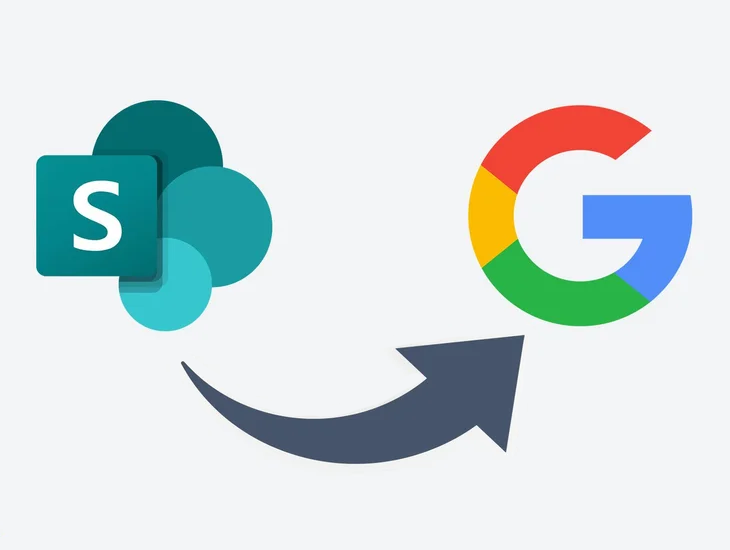
Why Migrate from SharePoint?
Explore the key operational limitations of legacy systems and see why teams switch to a modern Google alternative.

Our Migration Process
Discover our proven, step-by-step framework for executing a safe, accurate, and seamless data transition.

SharePoint Case Studies
Read real-world success stories of enterprise organizations that successfully modernized their collaboration hubs.

Secure Migration Center
Access specialized toolkits, expert deployment guides, and migration pathways tailored for your IT team.
Ready to Plan Your Move to Google Workspace
Make the switch with confidence. Our expert team ensures a smooth migration from Microsoft 365 to Google Workspace, preserving data, minimizing disruption, and unlocking new collaboration tools for your business.
*Our experts can help you review your current state and provide a tailored Estimate that highlights opportunities for improvement.
Stephen Hind
Google Workspace Technical Leader

Peter Chadha
Google Workspace Transformation Leader