

The Intranet built for Google Workspace

Modernize Your Existing Google Sites Intranet
Transform your current Google Sites intranet into a modern employee hub with dynamic news, searchable Google Drive content, staff directories, calendars, and professional branding, all built inside Google Workspace.
Cut document search time dramatically, boost internal engagement, and avoid the nightmare of full platform migration with zero disruption, all inside your current Google Workspace.
See the Difference Steegle.One Makes
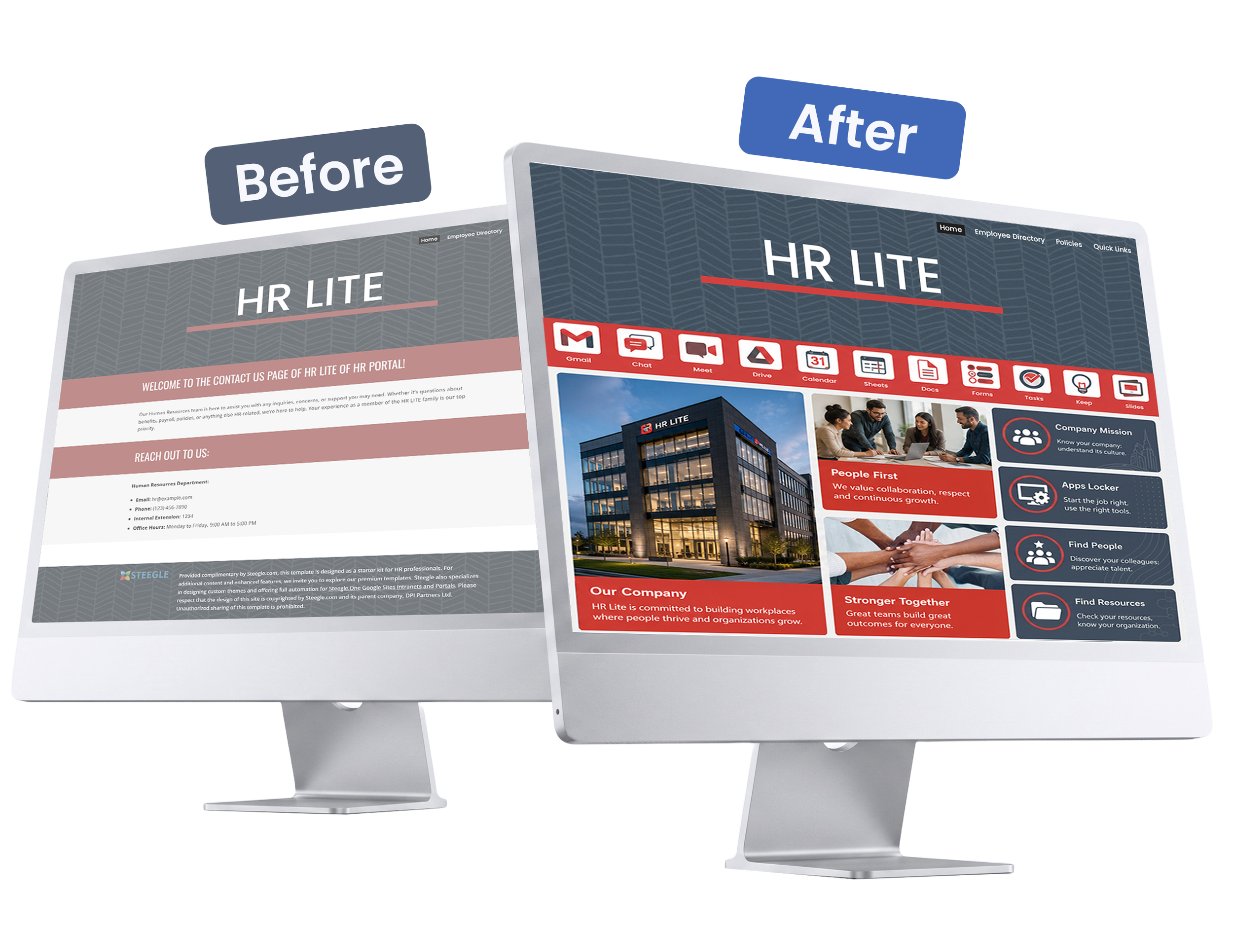
See how Steegle.One transforms a basic Google Site into a powerful employee hub.
HOMEPAGE

From static pages to a dynamic engaging hub.

Before
Standard Google Site
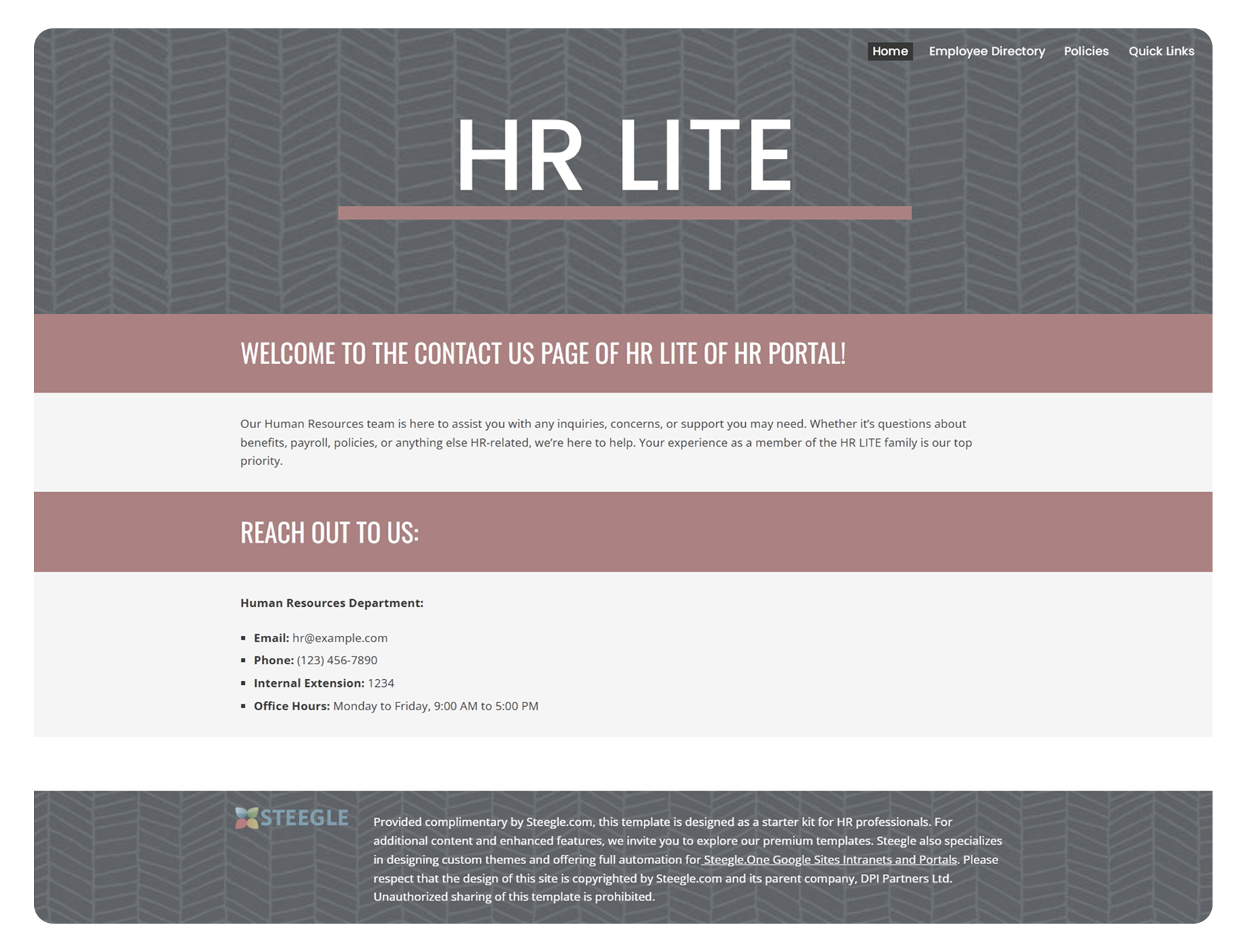
Limited navigation and tools
Static content and layout
Basic, text-heavy design
Hard to engage employees

After
Steegle.One Enhanced Intranet
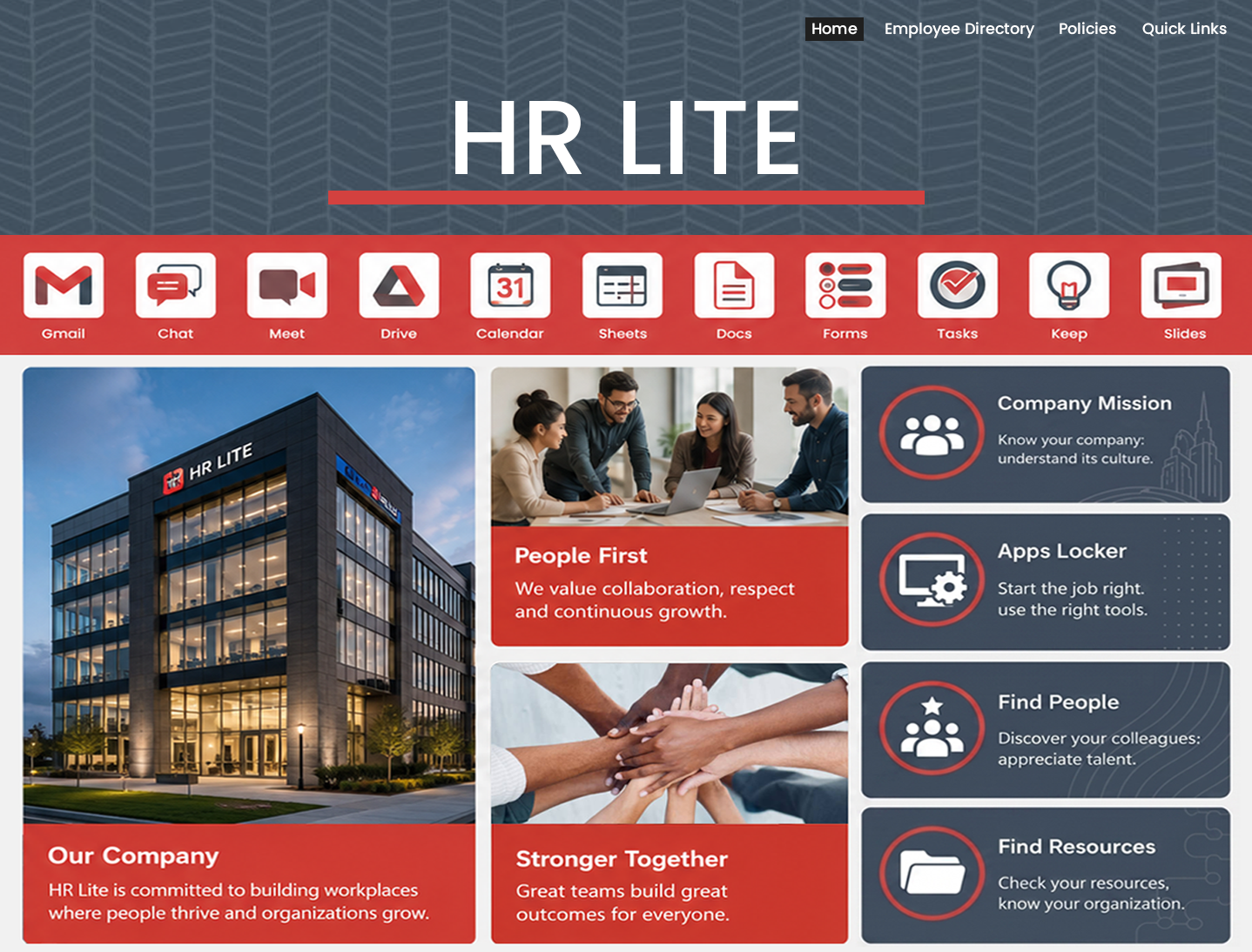
Quick access to essential apps
Dynamic, engaging content
Real-time updates and announcements
Empowers employees to connect and thrive


Better Experience. Stronger Engagement. Built for the Way You Work.

Quickly Connect with the Right Colleague
From a static list to a smart, searchable, and easy-to-use People Directory.
EMPLOYEE DIRECTORY

Instead of scrolling through static lists, employees can instantly search by name, role, department, or expertise.
Before
Standard Google Site
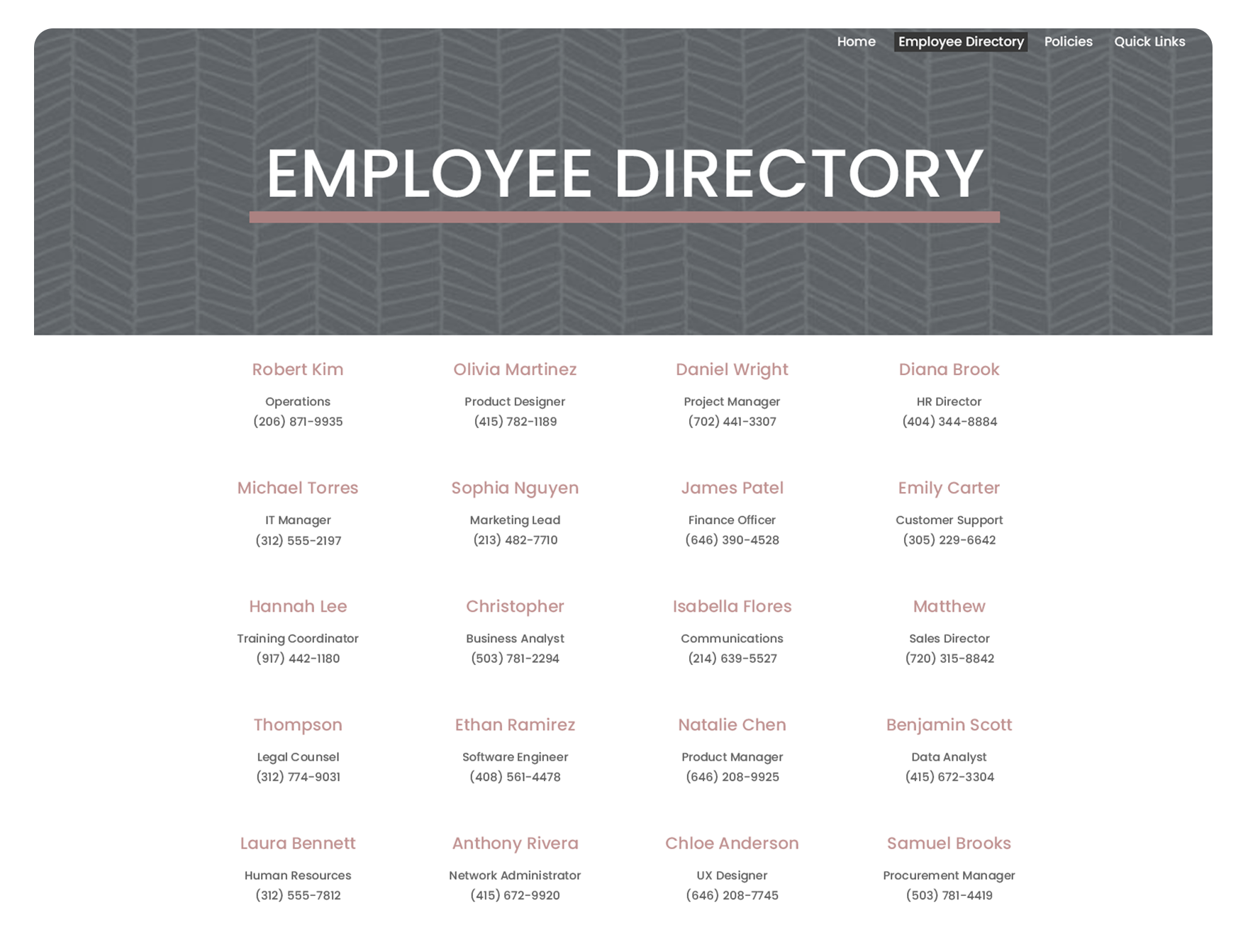
Static list of names and roles
No search or filtering options
Bare directory lacking photos or profiles
Difficult to keep updated

After
Steegle.One Enhanced Intranet
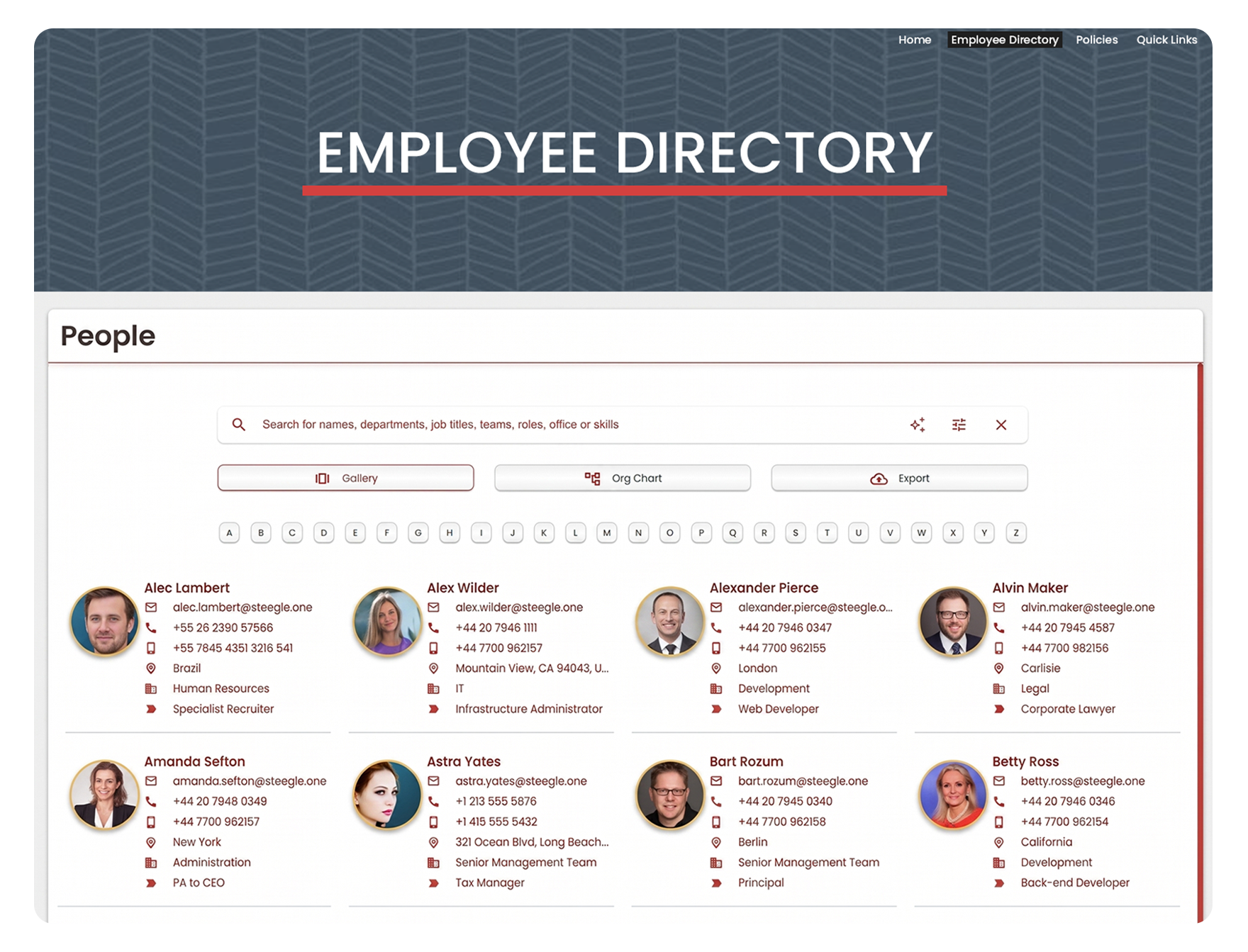
Smart, searchable people directory
Quick filters by role, department, or expertise
Visual-first design with profiles and photos
AI search to quickly match the right expertise


Smarter Search. Faster Results. Built to Help You Connect.
Easily Access the Right Document
Move beyond static folders to a smart, searchable, and easy-to-use file library with Steegle Share.
FILE DIRECTORY

No more digging through endless folders, employees can instantly search by file name, type, or project.
Before
Standard Google Site
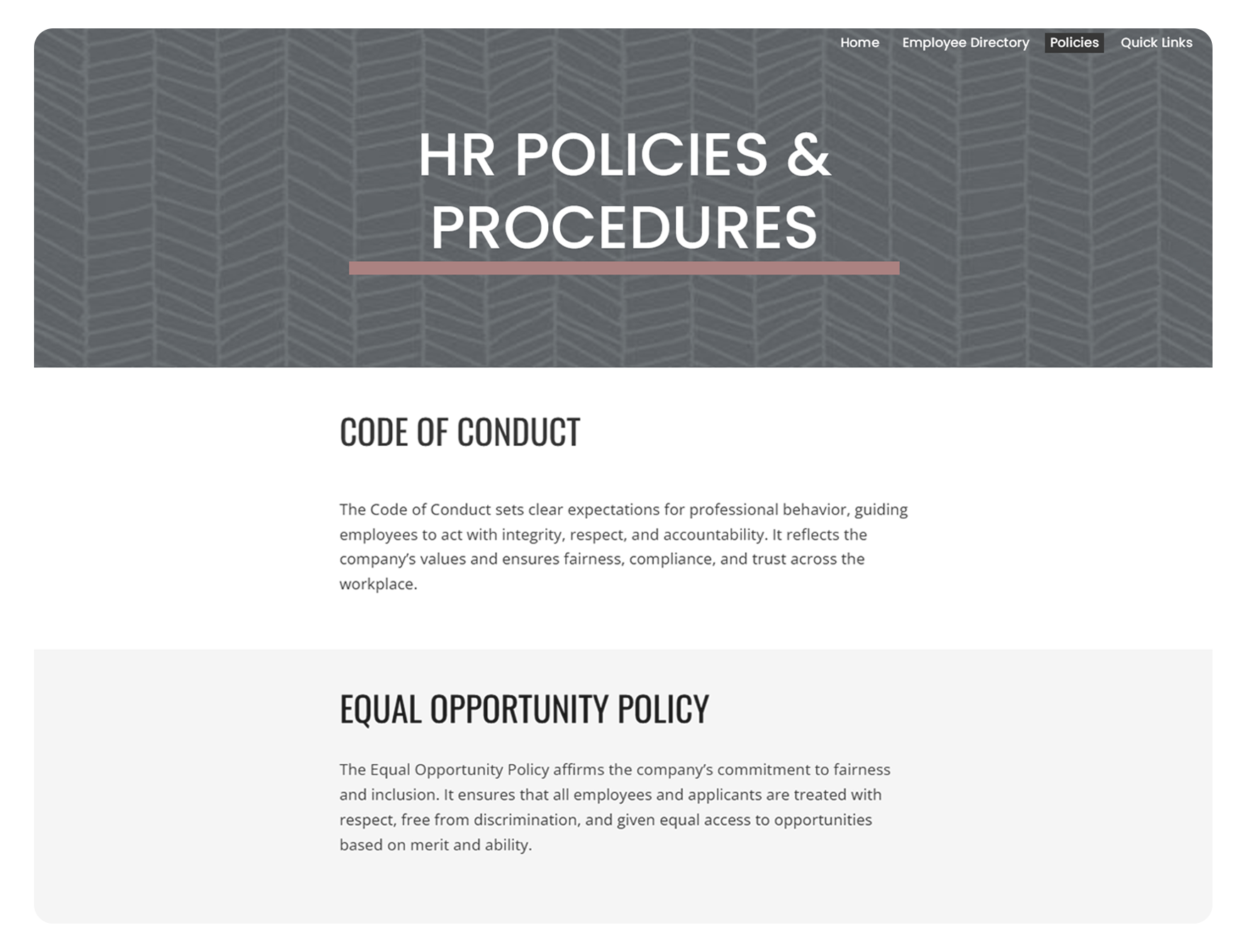
Shared folders visible to everyone
Files scattered, must be moved manually
Limited controls, hard to keep files secure
No search option, manually locate files


After
Steegle.One Enhanced Intranet
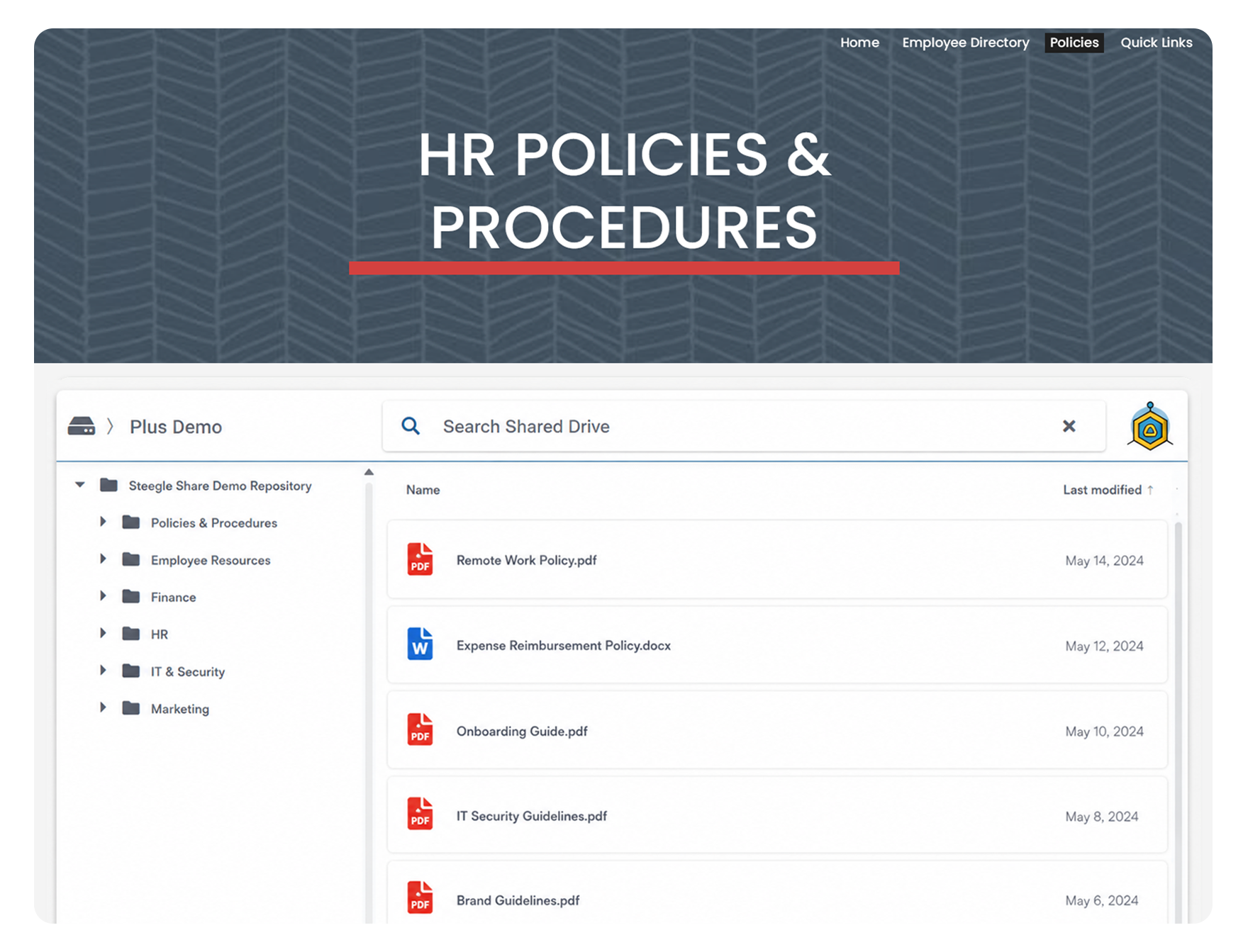
Department-specific file sharing
Streamlined access that reduces clutter
Controlled access keeps files safe and relevant
Quickly locate folders or projects


Quickly Find Files. Stay Focused. Built for Work.
Instant Access to What Matters
From scattered bookmarks to a streamlined hub of essential resources.
QUICK LINKS

Say goodbye to hunting across sites, employees can jump straight to the right tools, pages, or apps with one click.
Before
Standard Google Site
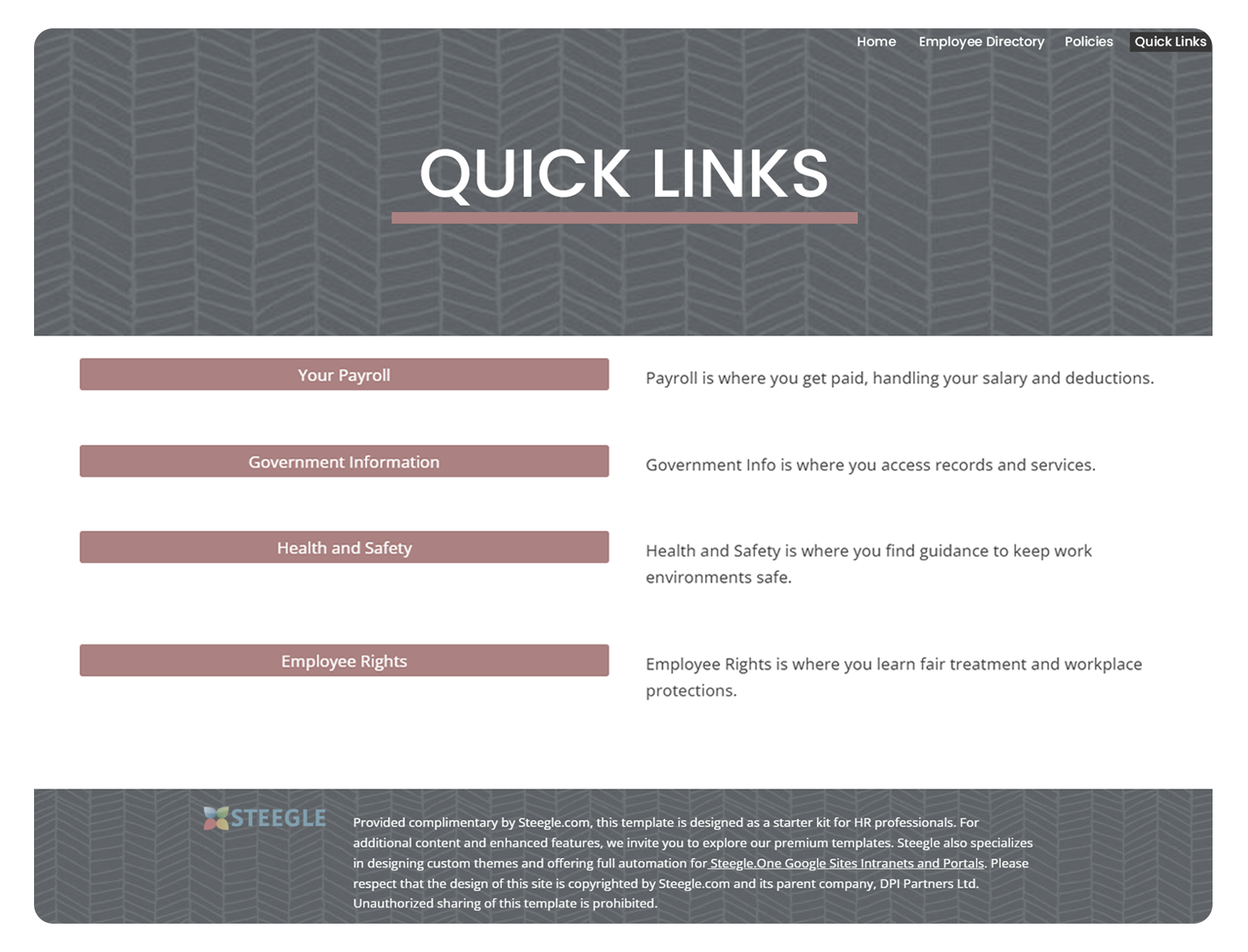
Scattered bookmarks across pages
Generic text and plain buttons
No visual hierarchy or design cues
Flat navigation offering no engagement
After
Steegle.One Enhanced Intranet
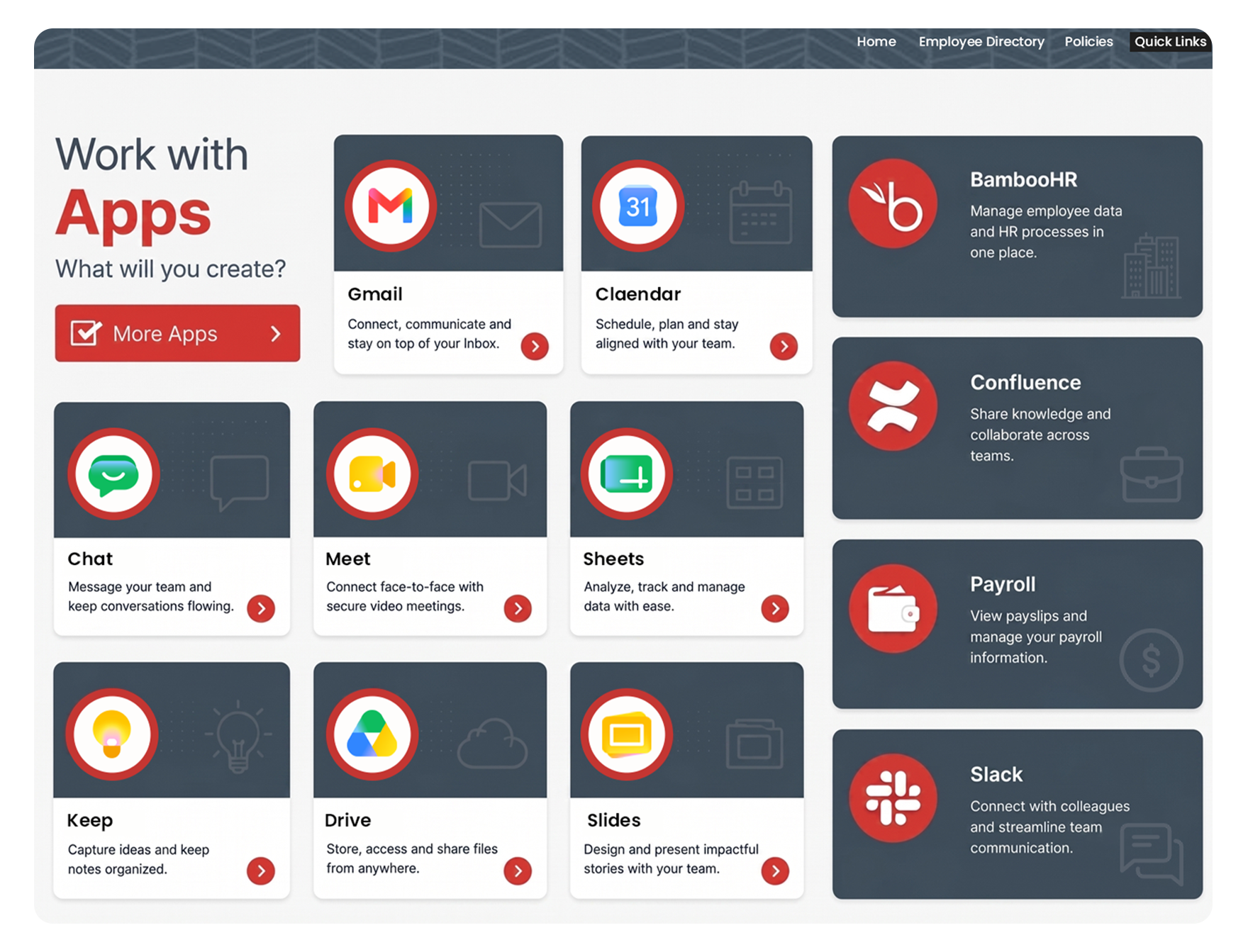
All essential links collected on one page
Clear, efficient access to what matters
Smart layout keeps tools and apps easy to find
One-click navigation to the right resources

One Click. All Tools. Seamless Workflow.
Google Sites is an excellent foundation for an intranet, but as organizations grow, many teams encounter challenges managing communication, content, and navigation at scale.
Why many Google Sites intranets struggle over time

THE PROBLEM

Static News and Announcements
Important updates can become difficult to surface consistently across the organization.
Navigation Becomes Difficult
As content grows, intranets can become harder to organise and maintain.

Disconnected Information
Employees often struggle to locate documents, policies, and resources quickly.

Inconsistent Branding
Many Google Sites intranets do not fully reflect the company's identity and culture.
Limited Employee Engagement
Many intranets lack dynamic features that encourage staff interaction and visibility.
Limited Employee Engagement
Many intranets lack dynamic features that encourage staff interaction and visibility.


The Migration Trap
Moving to a new intranet platform often means months of painful data migration, massive disruption, high costs, staff retraining, and the real risk that the project drags on or fails completely.
Result?
Your once-useful intranet turns into digital shelf-ware while your team wastes hours hunting for files and missing key updates.
Upgrade Your Google Sites Experience
Transform your basic portal into an enterprise-grade employee hub. Explore professional enhancement tools, step-by-step audit strategies, usability review frameworks, and deep platform comparisons.
Steegle vs. Google Sites
Learn why combining Steegle.One with native Google Sites delivers a complete, enterprise-grade intranet solution.
5-Step Intranet Audit Guide
Learn how to evaluate your current setup, clean up legacy content, and identify key areas of improvement.

DIY Intranet Enhancements
Take full control of your portal with flexible, low-code widgets designed to maximize standard Google Sites features.
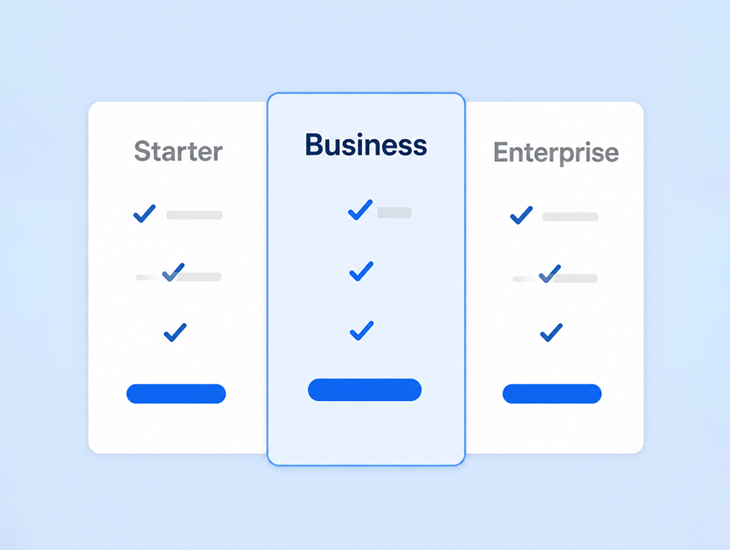
View Flexible Pricing Plans
Find a cost-effective, scalable subscription tier tailored to deliver maximum value and ROI for your growing business.

Frequently Asked Questions
-
Yes. Steegle.One specialises in enhancing existing Google Sites intranets with news, search, branding, directories, and advanced functionality.
-
No. Your intranet remains built on Google Sites inside your Google Workspace. No platform migration is required.
-
Yes. Access respects existing Google Workspace permissions and security settings.
-
Yes. Existing Google Sites content can typically be retained and enhanced.
-
Timelines vary by scope. Book a Free Discovery Call to get a tailored estimate for your organization.
-
Yes. Steegle.One works with educational institutions, nonprofits, and enterprises using Google Workspace.
-
Yes. All data stays within your Google Workspace environment. Nothing is sent to external servers, this is a key differentiator versus other intranet directory solutions.
-
One.Steegle is a powerful intranet solution designed with healthcare organizations in mind, offering secure collaboration and compliance features that align with HIPAA requirements.
HIPAA compliance — ensures patient data is protected through secure access controls, encryption, and audit trails.
Centralized communication — streamlines staff collaboration, reducing reliance on unsecured external apps.
Document management — provides a safe repository for policies, procedures, and patient-related documentation with permission‑based access.
Role-based access — allows administrators to control who can view or edit sensitive information, minimizing risk.
Scalable intranet — adapts to the size of the healthcare provider, from small clinics to large hospital networks.
Integration with Google Workspace — leverages existing tools while maintaining compliance and security standards.
Contact Us
Looking for an intranet solution for Google Workspace?
Since 2008, we here at Steegle.com have been delivering intranet development solutions for Google Sites. We have developed Steegle.One intranet system which builds directly to Google Sites for Google Workspace.
As a certified Google Cloud Partner, we specialize in Google Workspace based solutions. Give us a call at US +1 (302) 672 3007 or UK +44 (207) 871 502 or contact us today to view a demo of our intranet solutions, and see how it can help increase employee productivity and save time and money. Click below to learn more about the Steegle.One Intranet solution.