

The Intranet built for Google Workspace

About SharePoint
Understanding the Legacy Platform and Its Evolution in the Modern Workplace
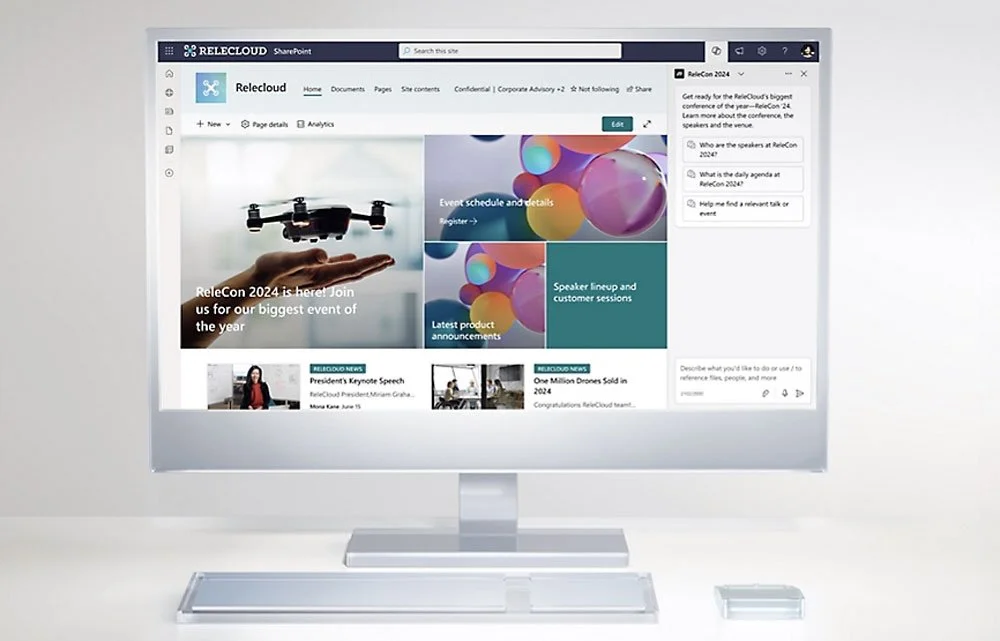
Microsoft SharePoint's Intranet Platform
What is SharePoint?
Microsoft SharePoint is a web-based collaboration and document management platform that has been a cornerstone of enterprise intranets and content management for over two decades. Originally launched in 2001, SharePoint provides organizations with tools to create websites, manage documents, build workflows, and facilitate team collaboration within the Microsoft ecosystem.
At its core, SharePoint serves as a centralized repository where organizations can store, organize, access, and share information. It integrates with other Microsoft products like Office, Teams, and OneDrive, creating a connected experience for users already invested in the Microsoft 365 ecosystem.
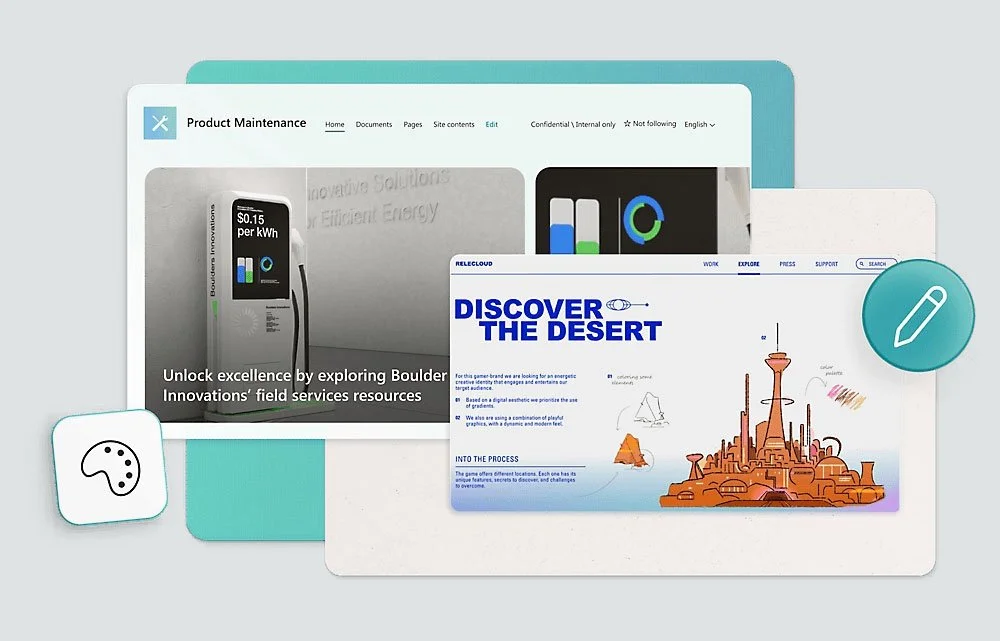
SharePoint Intranet for Workplace Collaboration
Common Uses of SharePoint in Organizations
Most organizations implement SharePoint for several key purposes:
Corporate Intranet: Company-wide portals for news, announcements, policies, and resources.
Document Management: Centralized storage with version control, check-in/check-out, and approval workflows.
Team Collaboration: Project sites with shared calendars, task lists, and discussion boards.
Knowledge Management: Wikis, FAQs, and knowledge bases for organizational learning.
Business Process Automation: Custom workflows for approvals, requests, and reporting.
Compliance and Records Management: Retention policies, auditing, and document lifecycle management.

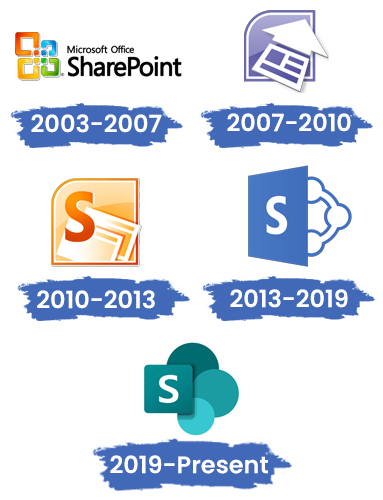
Microsoft SharePoint Evolution Over The Years
The Evolution of SharePoint: From On-Premises to Cloud
SharePoint has undergone significant transformation through several versions:
SharePoint 2003-2013 (On-Premises Era): Organizations hosted SharePoint on their own servers, requiring significant IT infrastructure and expertise.
SharePoint Online (Cloud Era): Part of Microsoft 365, offering cloud-hosted solutions with reduced maintenance overhead.
Modern SharePoint (Current): A redesigned experience with responsive design, improved performance, and tighter integration with Microsoft Teams.
Despite these improvements, many organizations still operate on legacy SharePoint implementations or struggle with the platform's inherent complexity.

SharePoint's Strengths in the Microsoft Ecosystem
Deep Integration with Microsoft 365
Seamless Office Integration: Native editing of Word, Excel, and PowerPoint files within SharePoint.
Microsoft Teams Connectivity: Direct linking between Teams channels and SharePoint document libraries.
Active Directory Synchronization: Built-in user authentication and permission management.
Power Platform Integration: Connection with Power Automate, Power Apps, and Power BI.

Enterprise-Grade Features
Advanced Security Model: Granular permission controls at site, library, folder, and item levels.
Compliance Tools: Retention labels, data loss prevention, and eDiscovery capabilities.
Scalability: Capable of supporting large enterprises with thousands of users and millions of documents.
Customization Options: Extensive development capabilities through .NET Framework and SharePoint Framework.

The Challenges of SharePoint in Today's Workplace
While SharePoint has been a reliable solution for years, organizations increasingly face challenges as workplace dynamics evolve.

Complexity and Usability Issues
Steep Learning Curve: Requires specialized training for both end-users and administrators.
Navigation Challenges: Complex site hierarchies can make finding information difficult.
Mobile Limitations: Historically poor mobile experience, though improved in modern versions.

Integration Gaps with Modern Tools
Limited Google Workspace Integration: Organizations using Google services face significant compatibility challenges.
API Complexity: Custom integrations often require specialized development resources.
Third-Party Tool Limitations: Many modern SaaS tools don't integrate seamlessly with SharePoint.

Cost and Resource Considerations
Hidden Expenses: Licensing, customization, training, and maintenance costs often exceed initial estimates.
Specialized Skills Required: SharePoint administrators and developers command premium salaries.
Infrastructure Overhead: Even SharePoint Online requires significant ongoing management.

Adoption and Engagement Challenge
Low User Adoption: Complex interfaces lead to poor engagement and shadow IT solutions.
Content Silos: Different departments create isolated sites with inconsistent structures.
Search Limitations: Finding relevant information across multiple sites and versions can be challenging.

SharePoint vs. Modern Intranet Alternatives
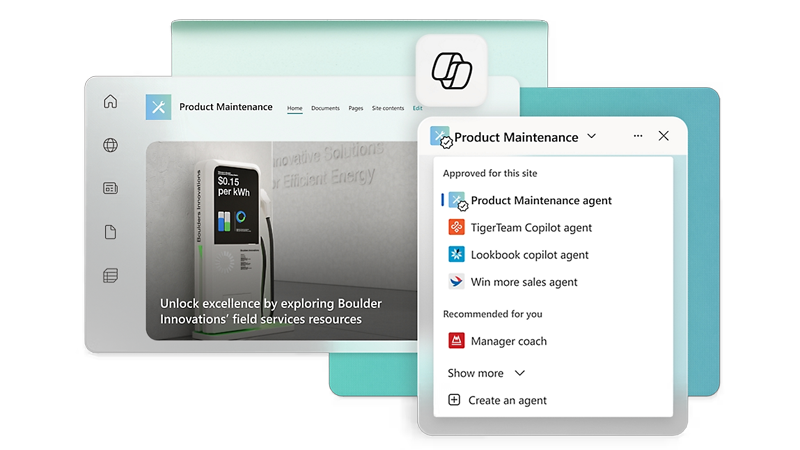
The Traditional SharePoint Approach
Centralized control and governance
Complex but powerful customization options
Deep integration within Microsoft ecosystem
Requires significant IT resources and expertise
Often becomes a "set it and forget it" solution
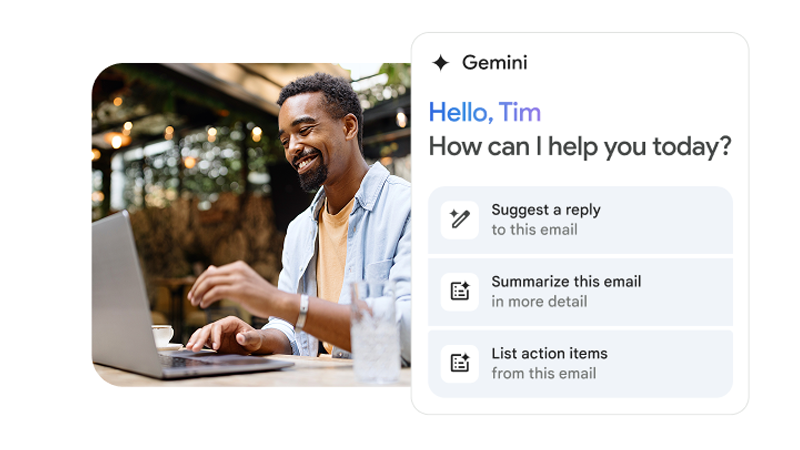
The Modern Google Workspace Approach
User-centric design with intuitive interfaces
Native integration with Google tools (Drive, Meet, Chat)
Cloud-native with minimal IT overhead
Built for collaboration and real-time work
AI-enhanced capabilities through Google Gemini
The Hybrid Challenge
Many organizations face a dilemma: they've adopted Google Workspace for productivity but maintain SharePoint for their intranet, creating:
Dual ecosystem management: Two sets of permissions, storage systems, and collaboration tools.
User frustration: Constant switching between Microsoft and Google interfaces.
Increased costs: Paying for overlapping capabilities in both platforms.
Security complexity: Managing compliance across two separate environments.

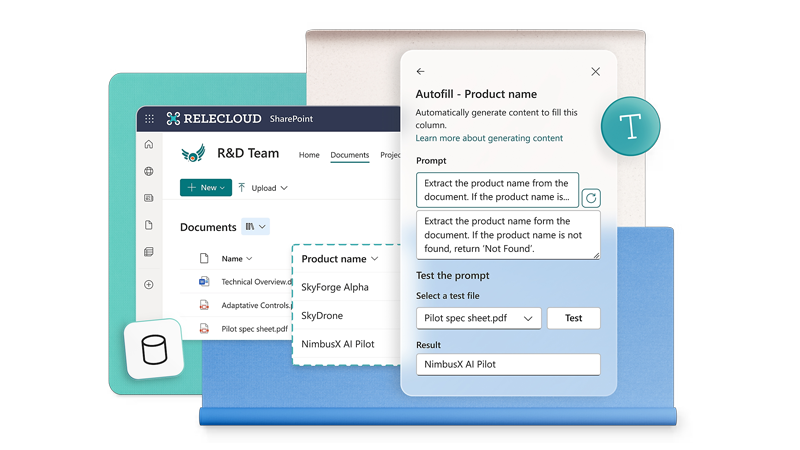
When Does SharePoint Make Sense?
SharePoint may still be the right choice when:
Your organization is fully committed to Microsoft 365 with no Google Workspace usage.
You require complex, custom workflows that leverage the Power Platform.
You have specialized compliance requirements that align with Microsoft’s offerings.
You have dedicated SharePoint expertise and resources for ongoing management.
Your users are already proficient and satisfied with the SharePoint experience.
The Future of Intranets: Beyond SharePoint
As workplace technology evolves, organizations are looking for solutions that:

Simplify rather than complicate the user experience.

Integrate seamlessly with their chosen productivity suite.

Leverage modern AI to enhance productivity.

Reduce total cost of ownership and management.

Drive genuine adoption and engagement.
This is where native Google Workspace solutions like Steegle.One offer a compelling alternative for organizations that have chosen Google as their primary productivity platform but are still tethered to legacy SharePoint implementations.
What our Customers say
-
![Adam Lee HRIP, Director, People Operations, Beyond Meat]()
“Today our new intranet is successfully developed with Steegle Tools in place and is available to all our staff around the globe. The feedback has been excellent.”
Adam Lee HRIP
Director, People Operations, Beyond Meat -
![Alexis Kropp, Senior Marketing Manager, Metz Culinary Management and Environmental Services]()
“Working with the Steegle team has been an enjoyable and seamless process. They have been a pleasure to work with, consistently responding to our questions and needs.”
Alexis Kropp
Senior Marketing Manager, Metz Culinary Management and Environmental Services -
![Dr Ian Goldstein, Co-Founder and CEO, Soar Autism Center]()
“I would highly recommend Steegle to anyone looking to create an intranet for their organization. Their team made the process easy for us”
Dr Ian Goldstein
Co-Founder and CEO, Soar Autism Center -
![Sierra Bamsey Director of Marketing and Communications, YMCA of Superior California]()
“The ease of the platform’s implementation quickly aligned with our mission to strengthen community bonds. Steegle’s support was crucial in reaching our objectives.”
Sierra Bamsey
Director of Marketing and Communications, YMCA of Superior California -
![Alex Rapoport, IT Director, apree health]()
“Steegle’s professionalism, adaptability, expertise, commitment to understanding, and addressing our unique needs, were instrumental in our successful transition to Google Sites intranet. “
Alex Rapoport
IT Director, apree health -
![Josh Wilson Project Manager, Summit Ministries]()
“The Steegle team demonstrated genuine engagement with our mission, aiding us in building an immersive, resourceful, and secure site that has become an essential tool in our daily communications.”
Josh Wilson
Project Manager, Summit Ministries






Migrate from SharePoint to Google
Discover how to transition from legacy SharePoint systems to a modern digital workplace. Explore our clear migration process, real-world customer case studies, key reasons to switch, and a dedicated hub to guide your journey.
Why Migrate from SharePoint?
Explore the key operational limitations of legacy systems and see why teams switch to a modern Google alternative.
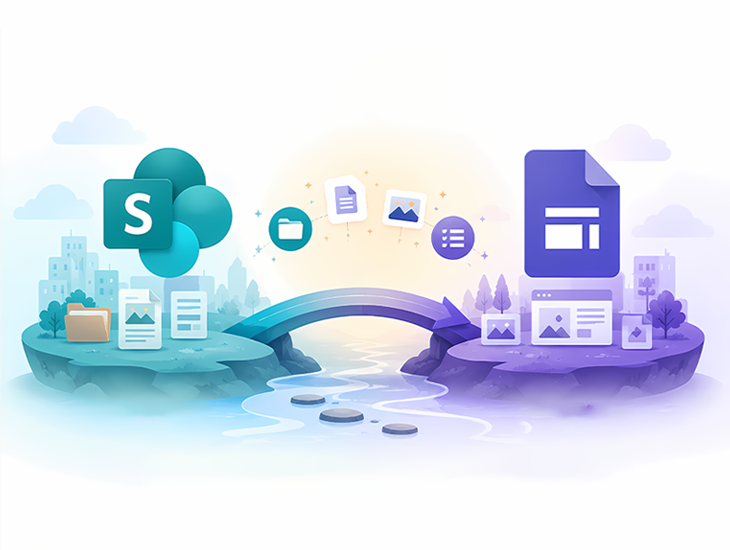
Our Migration Process
Discover our proven, step-by-step framework for executing a safe, accurate, and seamless data transition.

SharePoint Case Studies
Read real-world success stories of enterprise organizations that successfully modernized their collaboration hubs.
Secure Migration Center
Access specialized toolkits, expert deployment guides, and migration pathways tailored for your IT team.
Making the Right Choice for Your Organization
Understanding SharePoint's capabilities and limitations is the first step in making an informed decision about your intranet strategy. Consider these questions:
Is SharePoint fully serving your organization's needs, or is it becoming a legacy system?
Are your users adopting and engaging with your SharePoint intranet?
What is the true total cost of ownership for your SharePoint environment?
How well does SharePoint integrate with your other essential business tools?
Is your intranet keeping pace with your organization's growth and changing needs?
For organizations that have embraced Google Workspace but maintain SharePoint for their intranet, a migration to a native Google solution may offer significant advantages in usability, cost, and integration.
*Our experts can help you understand your current state and identify opportunities for improvement.
Stephen Hind
Google Workspace Technical Leader

Peter Chadha
Google Workspace Transformation Leader