

The Intranet built for Google Workspace

Migrating from Power Apps to AppSheet: The Safe, Gemini-Accelerated Path
Still paying for Power Apps after moving to Google? Learn a safe, phased migration to AppSheet + Apps Script—accelerated by Gemini.


Teams Creating Smarter Workflows with AppSheet
What is a Power Apps alternative for Google Workspace users?
If your organization runs on Google Workspace, AppSheet is a proven Power Apps alternative for building internal business tools, while Apps Script can replace many Power Automate workflows using standard, maintainable JavaScript.
The biggest win is consolidation—moving apps, data, and automation into the same ecosystem as Gmail, Drive, and Sheets—using a phased migration to reduce risk and improve long-term ownership.
Connect, Organize, and Collaborate with Google Workspace Apps
If Google is where you work, why is your automation living elsewhere?
If you’ve already migrated away from SharePoint—moving files to Drive and rebuilding your intranet in Google Sites—you’ve done the hard part. The reason Power Apps often linger isn’t strategy; it’s risk. These apps are tied to real operations (expenses, approvals, inspections), and nobody wants a “big bang” rebuild that breaks critical workflows.
The good news is you don’t have to replace everything overnight. A phased migration, with a parallel run for validation, is the safest way to retire Microsoft dependencies on your timeline. That’s where we come in: we rebuild and modernize the apps inside Google Workspace with a plan your team can trust—so you reduce operational risk, improve governance, and stop carrying two ecosystems indefinitely.
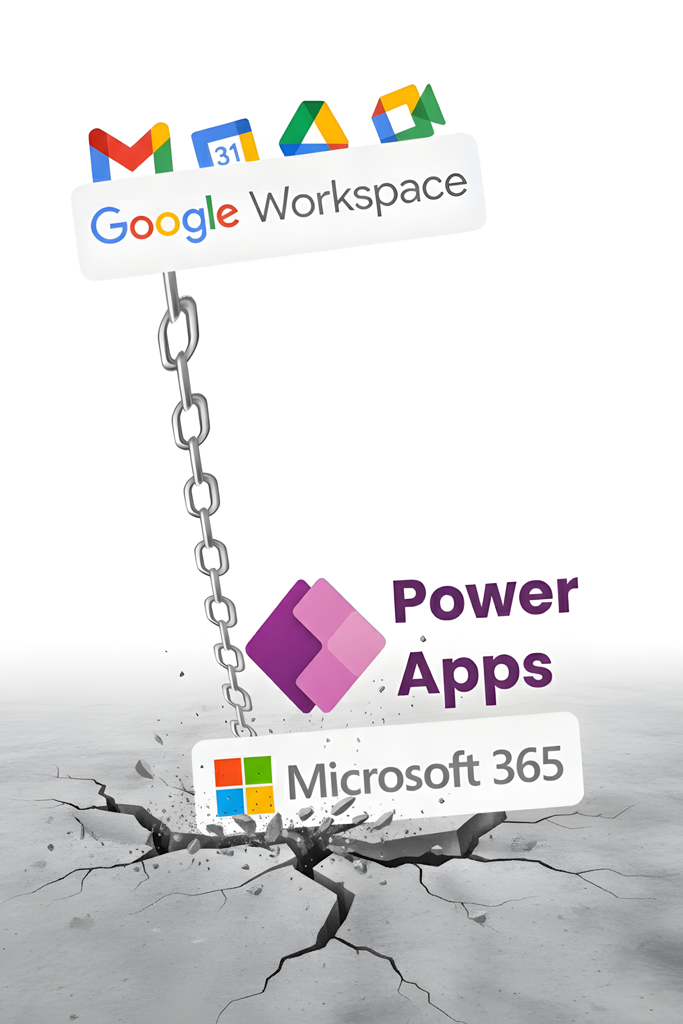
Google Workspace Tools Dragged Down by Power Apps
The “Straddler” Pattern: Google for work, Microsoft for apps
We see this in large organizations constantly. Collaboration lives in Google Workspace (Gmail, Drive, Docs, Sites), but a handful of “business-critical” pieces still sit in Power Apps.
The result is the “Microsoft Tax”: duplicate licensing, fragmented data, and a support model where only a few people really understand what’s running.
Typical “straddler” apps include:
Approvals: Purchase requests, access requests, policy exceptions
Operational tracking: Inspections, audits, incident logs
HR workflows: Onboarding checklists, equipment issuance
Intake forms: Facilities requests, service tickets
These are exactly the types of workflows where AppSheet + Apps Script shine—especially when you are already standardized on Google.
Move Your Apps Where Your Work Lives
Still running critical apps in Power Apps while everything else lives in Google Workspace? Rebuild those workflows directly in Google Workspace and eliminate the cost and complexity of two ecosystems.

AppSheet vs. Power Apps: The Real Differences
There is no “convert” button to turn a Power App into an AppSheet app. You must rebuild the logic. That sounds like extra work—until you realize it’s the safest path.
Power Apps and AppSheet model UI, data, and automation differently, so “conversion” usually produces brittle results. Rebuilding lets you simplify the data model, fix edge cases, and create a solution your IT team can actually own.
Best-fit shortcut: Choose AppSheet when your collaboration, identity, and content are already Google-first, and you want apps to live where the work happens. If you’re still in a hybrid phase, that’s normal: many teams keep a few Microsoft pieces temporarily while they rebuild the highest-value workflows first.
Apps Script vs. Power Automate: The “Code” Advantage
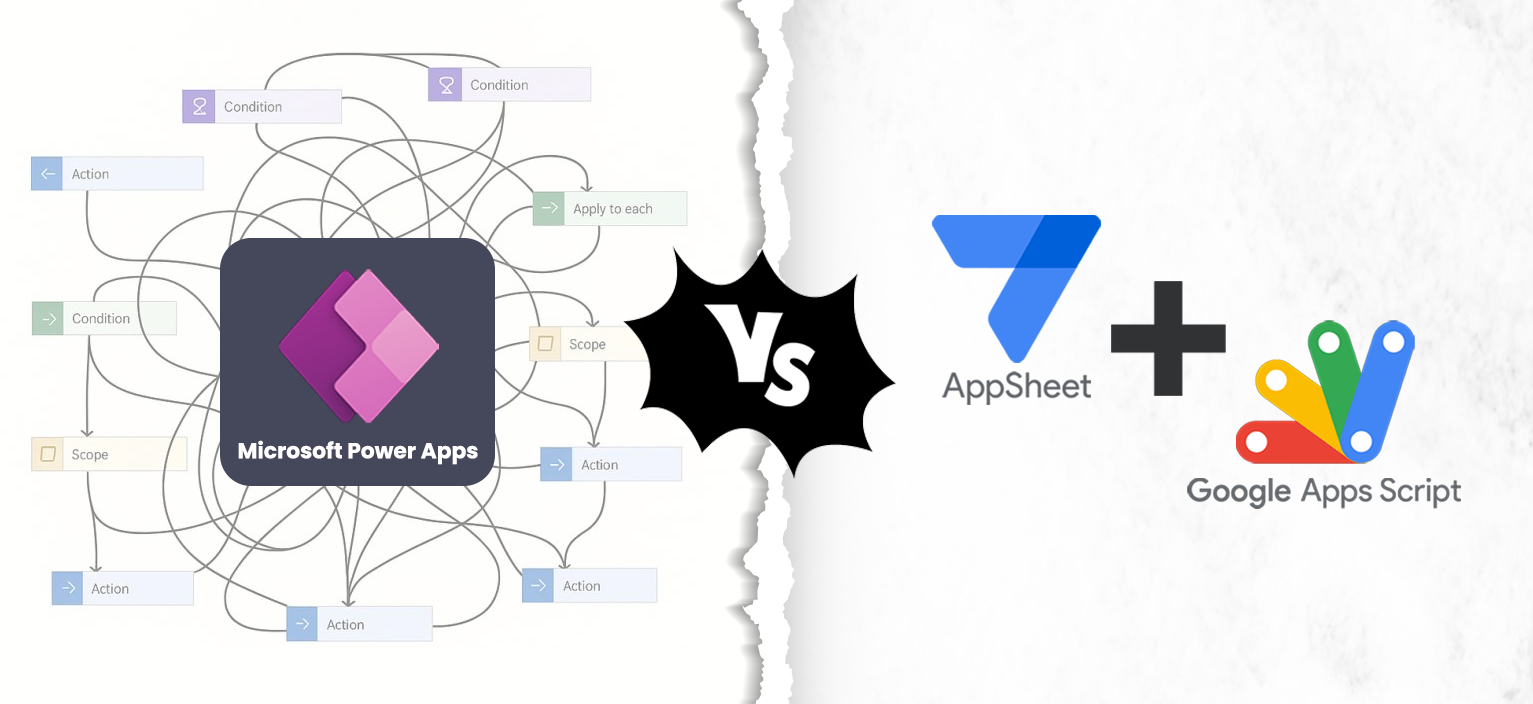
Power Automate is powerful, but visual flows can become “spaghetti logic” that is hard to debug as they scale. Apps Script takes a different path: it is standard JavaScript, deeply integrated with Workspace APIs.
Some IT leaders hesitate because “code = legacy debt.” In practice, standard code is often the opposite of lock-in: it’s portable knowledge. Any competent web developer can read JavaScript, maintain it, and improve it.
The practical reality in enterprises is this: no-code gets you started, but long-term success depends on ownership. We use Apps Script selectively—only where it adds clarity, control, or integration depth—and we document and structure it so your team isn’t left with mystery code.
Build Workflows Your Team Can Actually Maintain
Replace complex flows with automation built on standard JavaScript that your team can understand and improve. This gives you clarity, long‑term ownership, and workflows that scale without hidden costs.
A Safe, Enterprise-Friendly Migration Plan
Here is the approach we use to reduce risk and avoid “we broke operations” moments.
Inventory
Identify not just how many apps exist, but also who uses them and what critical processes fail.

Audit Data and Identity
Map where authoritative data resides, and who has access rights and permission.

Pick the First Quick Win
Focus on opportunities that offer high value but are simple to implement, like an intake form.
Rebuild and Improve
Don’t just replicate the old mess. Simplify the data model and standardize naming.

Parallel run
Run AppSheet version beside Power App until outputs match and stakeholders approve.
Decommission
Only when confident, cut Microsoft dependency and transition to a new solution.
Our structured approach reduces risk, improves operations, and ensures every step is documented and approved before you cut the Microsoft dependency. It gives stakeholders confidence, minimizes disruption, and is both safe and sustainable.
Enterprise Considerations: Governance, Data, and Ownership
When you rebuild, the real win isn’t just “new apps”—it’s a cleaner operating model.
We help you choose the right data layer (Sheets, AppSheet Database, or BigQuery), define role-based access using Google Groups, and establish an ownership model your IT team can support long-term. The goal is fewer one-off solutions and more repeatable patterns—so the next app rebuild is faster, safer, and easier to govern than the first.
Why now? Gemini is accelerating delivery (not replacing expertise)
Yes—Gemini is a big reason many enterprises are consolidating on Google. But it’s important to be clear about what that actually means for app migration.
Gemini can accelerate parts of the build: generating initial app scaffolding, helping teams document workflows, and supporting AI-assisted steps for tasks like classification and summarization. That reduces time-to-first-draft and speeds iteration.
But production-ready apps still require the hard parts that AI doesn’t own:
✅ Data modeling and governance (system of record, structure, stewardship)
✅ Security and access control (roles, groups, least-privilege access)
✅ Integration design (how workflows connect to Workspace and external systems)
✅ Quality assurance (edge cases, auditability, error handling, monitoring)
✅ Change management (training, adoption, rollout sequencing, support)
In other words: Gemini helps you move faster—but it doesn’t remove the need for a structured migration plan. That’s why the best outcomes come from a phased approach led by specialists who can rebuild workflows cleanly and safely inside Google Workspace.

SharePoint Migration Center
Your Complete Guide to Migrating from SharePoint to Google Workspace

Move Beyond SharePoint Systems, Unlock Google Workspace
Moving from SharePoint to Google Workspace can feel challenging, but the right plan makes all the difference. Our SharePoint Migration Center is your one‑stop resource for strategies, best practices, and step‑by‑step guidance. Learn how to:
✅ Assess your SharePoint environment and usage
✅ Map data, permissions, and workflows
✅ Avoid pitfalls and reduce migration risk
✅ Ensure adoption with clear training and support

Real World Case Story: The “Last Holdout Apps”
A large organization moved their intranet and content off SharePoint into Google Sites and Drive. Adoption went well, but three Power Apps remained: a facilities request intake, an approvals workflow, and an inspection tracker. The business refused a “big-bang” replacement due to operational risk.
We started with the smallest operational risk: the inspection tracker. We rebuilt it in AppSheet, using Apps Script where custom logic was needed, and ran it in parallel with the Power App until the team trusted the outputs. After cutover, we repeated the same pattern for the other two apps.
The outcome: Not just new apps, but a clean ownership model and a roadmap to decommission the Microsoft dependencies entirely.

Finish the Migration You Started
Don’t let a few Power Apps keep you tied down. Steegle helps enterprises replace lingering workflows with AppSheet solutions that are safer, easier to maintain, and fully integrated with Google Workspace.
-
Not directly. The platforms represent UI, data, and automation differently, so “conversion” usually creates fragile results. The safest path is to rebuild in AppSheet using your existing business requirements and a clean data model.
-
In many organizations, yes—especially for standard workflows like intake forms, approvals, operational tracking, and basic case management. The key is choosing the right data layer and security model, then validating via a parallel run.
-
Often, yes. Apps Script can handle approvals, notifications, document generation (Docs/PDFs), integrations, and scheduling. Because it’s standard JavaScript, it’s usually easier to maintain, version, and hand over than complex visual flows.
-
Not always. AppSheet automation can cover a lot of common workflow needs. Apps Script is most valuable when you need custom logic, tighter governance, deeper integrations, or software-style version control.
-
Gemini can speed up early stages by helping generate app scaffolding, clarifying requirements, and supporting AI-assisted steps (like classification or summarization). But production-ready migration still requires data governance, access control, integration design, and QA.
-
Start with high-value, low-complexity workflows that have clear owners and limited integrations—often an intake app, a simple approval, or an operational tracker. A quick win creates a repeatable pattern for the harder apps later.
-
Yes—and that’s usually the right move. A parallel run keeps operational risk low and validates the rebuilt solution before decommissioning Microsoft dependencies.
-
Because apps encode operational logic and edge cases. Replacing them safely requires inventory, data mapping, security design, validation, and stakeholder sign-off—not just recreating a UI.
-
You can integrate Gemini with AppSheet in several ways:
Getting started with app creation: Gemini can help you build apps from scratch by guiding you through the setup process. While this functionality is somewhat limited, it’s a useful way to quickly get started.
Custom integrations via Apps Script: You can connect AppSheet to Gemini AI through custom Apps Script code that calls Gemini’s API. This allows you to automate unique processes and extend AppSheet’s capabilities with AI-powered features.
AI Tasks in AppSheet Enterprise Plus: With Enterprise Plus, users can integrate the new Gemini-powered AI Task directly into their automations, enabling AppSheet to extract key details from photos, analyze complex PDFs, and intelligently categorize, route, and prioritize incoming requests. The feature also includes AI Task Step Testing, making it easy to validate each step in a workflow.
Frequently Asked Questions
Stop The “Straddle” and Build Smarter Workflows
Get a Microsoft Tax Audit + Migration Plan
If you suspect you’re paying for Microsoft mainly to keep a few Power Apps alive, start here. We’ll assess your current apps and give you a phased plan to rebuild the highest-value workflows.
By the end, you’ll know exactly which apps are worth keeping, which can be rebuilt faster and cheaper, and how to cut the “Microsoft tax” without disrupting your team’s productivity.

Stephen Hind
Google Workspace Technical Leader
Peter Chadha
Google Workspace Transformation Leader
Contact Us
Looking for an intranet solution for Google Workspace?
Since 2008, we here at Steegle.com have been delivering intranet development solutions for Google Sites. We have developed Steegle.One intranet system which builds directly to Google Sites for Google Workspace.
As a certified Google Cloud Partner, we specialize in Google Workspace based solutions. Give us a call at US +1 (302) 672 3007 or UK +44 (207) 871 502 or contact us today to view a demo of our intranet solutions, and see how it can help increase employee productivity and save time and money. Click below to learn more about the Steegle.One Intranet solution.